CASES
SaaS Product WordPress Self-built

Building WPCursor.com With WPCursor

How Ali Shahmir built the entire wpcursor.com marketing site — 104 widgets, 46 PHP snippets, 38,514 lines of code — using the very product he was shipping.

Step 1: The Idea: Use the Tool on Itself

The brief was simple and slightly absurd: build the marketing site for an AI WordPress builder — using the AI WordPress builder.

Ali Shahmir, WPCursor's founder, had a tool that could turn natural language into production WordPress pages. He needed a site to show what it could do. The obvious move was to use it on itself.

What followed was 293 conversations, spread over weeks of development, that produced something unusual: a product that demonstrably built its own home. Every widget on wpcursor.com was generated by WPCursor. Every snippet was written by WPCursor. The site is the proof of concept, not just a page about one.

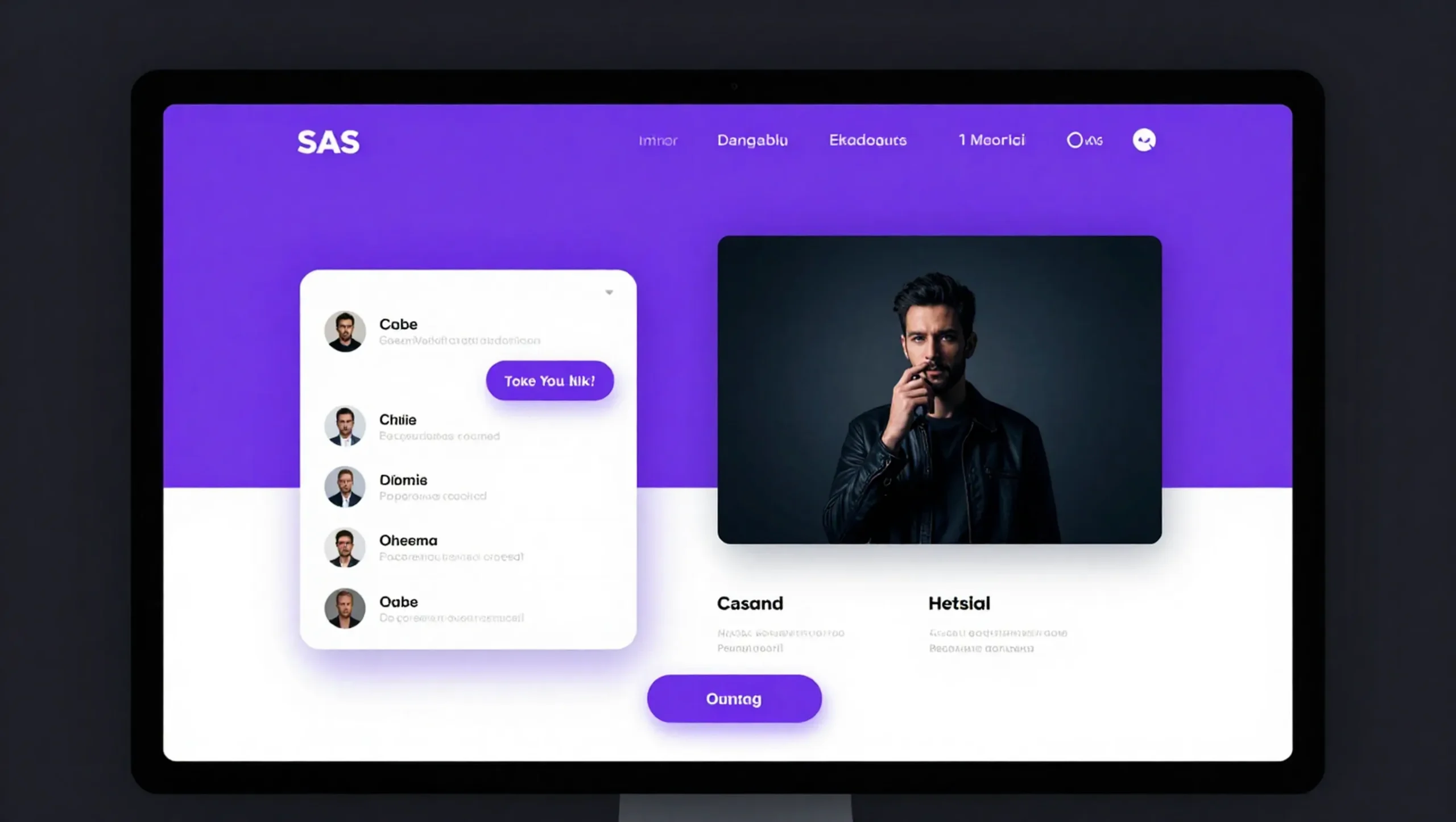
The first instruction was: "Build a one-page landing for a WordPress Elementor widget library called WPCursor. Use modern dark theme with glassmorphism, purple/violet accent, animated background."
  • Hero section with big headline and CTA
  • Features section
  • Pricing section with free and paid tiers
  • Testimonials section
  • Footer
  • Sticky nav with smooth scroll
The Idea: Use the Tool on Itself

Step 2: Day One: Landing Page in a Single Session

The first session produced the skeleton: hero, features, pricing, testimonials, footer. Then the iterations began immediately — this is how real product work happens.

"Make nav sticky and add smooth scroll."

"Add scroll animation — fade in elements as they come into view."

"Add a widget counter in the hero — 50+ Widgets badge."

"Add a dark/light mode toggle."

"Pricing: add a Most Popular badge to the pro plan."

Each instruction was one line. Each result was a production-quality UI update. The pricing section got an interactive monthly/annual toggle (annual = 20% discount). The testimonials became an auto-playing carousel with pause on hover. The FAQ became a smooth accordion. Entrance animations were added with Intersection Observer across every section.

By the end of the first day, the landing page was complete — not a mockup, a live WordPress page built entirely through conversation.

  • Interactive pricing toggle (monthly / annual, 20% discount)
  • Auto-playing testimonial carousel — 4s interval, pause on hover
  • Smooth accordion FAQ with CSS transitions
  • Intersection Observer entrance animations on all sections
  • Sticky nav with active state tracking on scroll
  • Dark/light mode toggle
  • Glassmorphism design language throughout
Day One: Landing Page in a Single Session

Step 3: Day Two: WordPress Infrastructure

Day two was the hard part: turning the landing page into a real WordPress product site. This meant building the systems that would power everything — not just pages, but infrastructure.

"Create a custom post type for widgets with ACF fields."

"Create the widget archive page with search and filter by category."

"Create single-widget.php with code snippet display and syntax highlighting."

"Create a dashboard page for logged-in users."

"Add user streak tracking — days logged in consecutively."

"Add a credit and unlock system — users spend credits to unlock widgets."

Each of these is a meaningful product feature. The streak system, the credit economy, the widget unlock flow — these aren't UI elements, they're the core user experience of the product. All of it emerged from conversation, not from writing code directly.

The auth pages were built and styled to match the dark theme. A live chat support widget was added to the bottom right. The WPCursor logo went into the header. Case studies got their own CPT.

  • Custom post type for 104 widgets with ACF fields
  • Widget library archive with search and category filtering
  • Single widget pages with syntax-highlighted code snippets
  • User dashboard with activity tracking
  • Streak system — consecutive daily login counter
  • Credit and unlock economy — users spend credits to access widgets
  • Login and register pages styled to match dark theme
  • Case studies custom post type
  • Live chat support widget
Day Two: WordPress Infrastructure

Step 4: Day Three: Design System & Polish

Day three was about design coherence — the details that make a product site feel like a real company built it, not a side project.

"Make fonts — use Inter for body, Space Grotesk for headings."

"Update color palette — deeper purple #6B21A8 as primary."

"Switch utility classes to Tailwind CDN."

"Final polish — smooth all animations."

The 46 PHP snippets were completed — a full library of WordPress utility code covering everything from custom admin pages and login branding to WooCommerce checkout fields and cron job scheduling. These aren't demo code. They're real, production-quality snippets that any WordPress developer would use.

By the end of day three, the site that now lives at wpcursor.com was complete. Every page, every widget, every snippet — produced through conversation with the tool that runs it.

  • Inter (body) + Space Grotesk (headings) type system
  • Deeper purple #6B21A8 primary color palette
  • Tailwind CSS utility integration
  • 46 production PHP snippets across WordPress, WooCommerce, security, performance
  • Case study archive and single templates
  • Pricing page as standalone WordPress template
  • Full animation polish across all sections
Day Three: Design System & Polish

Step 5: The Numbers: What WPCursor Built for Itself

The numbers from wpcursor.com's build are not numbers from a demo. They are the actual contents of the production site, readable from the workspace files right now.

104 widgets. 46 PHP snippets. 293 conversation sessions. 38,514 lines of code — 6,600 HTML, 18,498 CSS, 13,416 JavaScript.

The widget library covers everything a WordPress developer reaches for: blog post grids, WooCommerce product cards, testimonial carousels, pricing tables, countdown timers, interactive maps, GitHub profile cards, weather widgets, podcast players, multi-step forms, poll widgets, QR code generators, sticky sidebars, table of contents, skill progress bars, and 89 others.

15 widgets connect to live WordPress data. 11 pull from external REST APIs. 4 integrate directly with WooCommerce. 3 read RSS feeds.

The founder's letter on the homepage — the one that begins "WordPress built 43% of the internet. Quietly. Faithfully. For twenty years" — was written by Ali Shahmir. But the page it sits on, the nav above it, the pricing below it, the footer beneath it: all WPCursor.

The tool built its own proof.

  • 104 custom widgets across 12 categories
  • 46 production PHP snippets
  • 293 conversation sessions in build history
  • 38,514 total lines of code
  • 6,600 lines HTML · 18,498 lines CSS · 13,416 lines JavaScript
  • 15 WordPress datasource integrations
  • 11 REST API integrations
  • 4 WooCommerce integrations
  • 3 RSS feed integrations
The Numbers: What WPCursor Built for Itself
Step 1